
What a private Wi-Fi address does on iPhone, how the Off, Fixed and Rotating settings differ, and why the wrong one can make public Wi-Fi ask you to log in again or send your phone into router quarantine.
In January 2026, an iPhone user on Reddit described a routine that will sound familiar to anyone who works from cafes. Public Wi-Fi networks show a login page the first time you join, and many remember your device after that. But the user kept seeing the same form again, email and all, at places they visited regularly. The cause was a privacy feature called private Wi-Fi address, which changes the address your iPhone shows to a network. Their fix was to set it to Fixed for those networks. Here is what each setting does and when to change it.
Quick Answer
A private Wi-Fi address is a unique stand-in for your iPhone’s hardware MAC address, used so networks can’t easily track you from place to place. On iOS 18 and later you can choose Off, Fixed or Rotating for each network. Rotating changes the address every 2 weeks and is the default on open and captive-portal networks, which is why public Wi-Fi logins can repeat. For networks you trust and use often, Fixed is usually the best balance.
Table of Contents
What a private Wi-Fi address does
Every Wi-Fi device identifies itself to a network with a Media Access Control (MAC) address. Apple’s support page on private Wi-Fi addresses explains the problem: if a device always uses the same MAC address across all networks, network operators and other observers can more easily connect that address to your activity and location over time. So by default, your iPhone uses a different address for each Wi-Fi network.
That is why iPhone owners sometimes see a warning that a network is “not using a private Wi-Fi address.” In July 2026, a Reddit user asked what the setting could possibly do when Apple has no control over their home router. The answer is that it changes how your phone introduces itself, not how the router works.
Off vs Fixed vs Rotating
Starting with iOS 18, the switch became three choices. Here is how Apple describes them:
| Setting | What the network sees | Default for | Best for |
|---|---|---|---|
| Off | Your hardware MAC address | None | Networks that strictly require your real address |
| Fixed | A private address that stays the same on that network | WPA2 or stronger networks, like most homes | Home, office and places you visit often |
| Rotating | A private address that changes every 2 weeks | Open, weak-security and captive-portal networks | Networks you use once, like an airport |

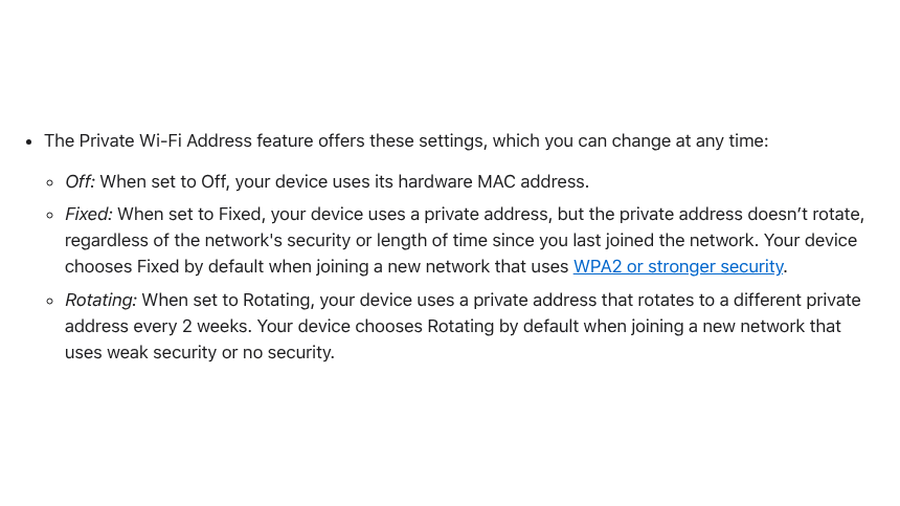
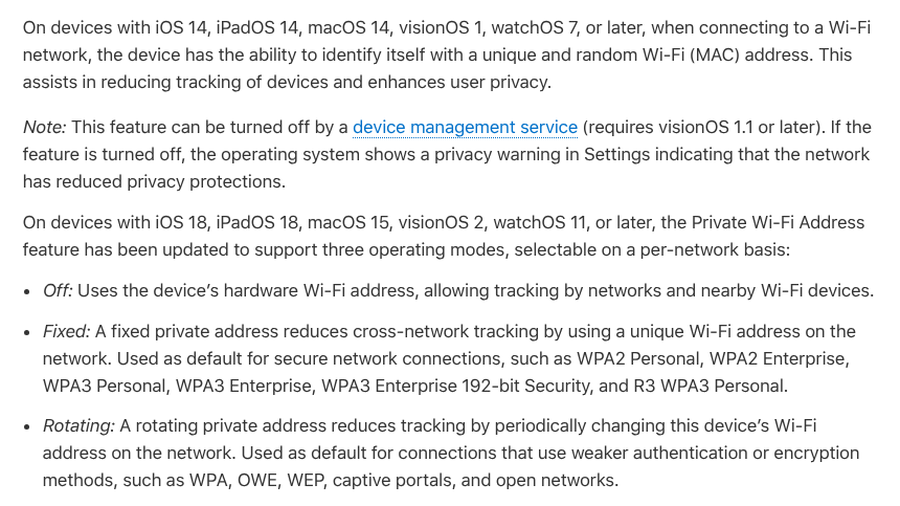
Apple’s Platform Security guide is more specific about the defaults. Fixed is used for secure connections such as WPA2 and WPA3. Rotating is used for connections with weaker authentication or encryption, including “captive portals, and open networks.” That second default is the source of most public Wi-Fi annoyance.
How to change your private Wi-Fi address setting
- Open Settings and tap Wi-Fi.
- If you are not connected to the network, tap Edit in the upper-right corner.
- Tap the More Info button next to the network name.
- Tap Private Wi-Fi Address, then choose Off, Fixed or Rotating.
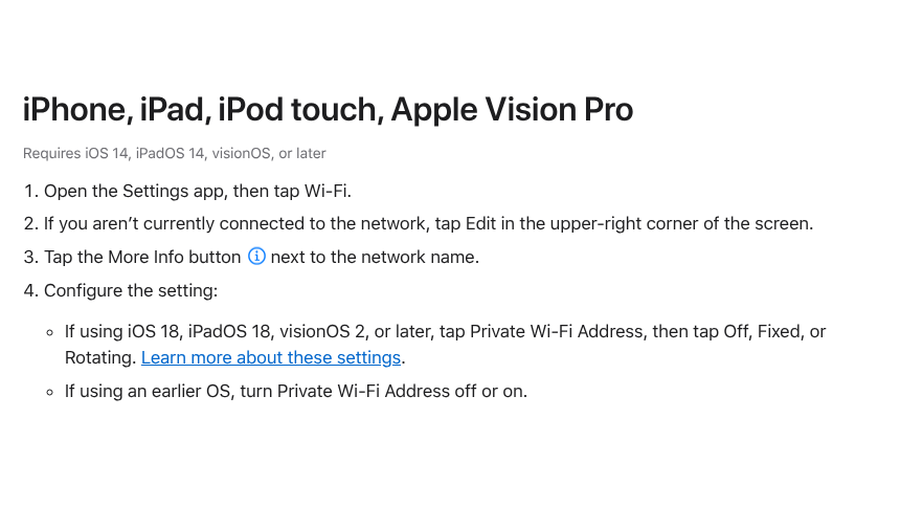
The setting applies to that one network only. On iOS 17 and earlier, you get a simple on-off switch instead of three options.
5 times the private Wi-Fi address setting causes problems
1. Public Wi-Fi keeps asking you to log in
Captive-portal networks, the ones with a terms page or email form, often remember a device by its address. Because iPhones default to Rotating on these networks, your phone looks like a new device every 2 weeks and gets the form again. If you use the same cafe, gym or campus network regularly, set it to Fixed. For short hotel stays, rotation is less likely to be the cause, since the address changes every 2 weeks. Our guide to getting past hotel Wi-Fi login pages covers the other culprits.
2. Forgetting the network makes it worse
“Forget this network” is a common fix, but it has a side effect. Apple says that starting with iOS 18, forgetting a network also forgets the private address used with it, unless you forgot it less than 24 hours earlier. Rejoin and you may show up as a brand-new device, login page included.
3. Your home router blocks or quarantines the phone
Some routers and security boxes let you approve devices by address or put unknown ones in quarantine. In February 2026, a Reddit user managing about 40 Apple devices across two homes said phones kept switching back to random addresses and landing in quarantine on their Firewalla. Apple’s page on recommended router settings says you shouldn’t rely on MAC address filtering for security, partly because addresses can be copied or changed and some Apple devices use a different address per network. Setting your home network to Fixed keeps one stable address for the router to recognize.
4. Parental controls and device schedules stop matching
Router apps that pause the internet at bedtime or cap screen time often identify devices by address. If a child’s phone rotates to a new one, the rule may stop applying. Fixed is enough here, because it stays the same on that network.
5. Local smart home tools act up
In April 2026, a Homebridge user on Reddit said their home server kept becoming unreachable from their iPhone while an Android phone could still reach it, and turning off Private Wi-Fi Address fixed it. If a local server, printer or hub depends on recognizing your phone, try Fixed before turning the feature off.
When it’s probably not the private address
An “Incorrect Password” error usually means exactly that. In September 2026, a Reddit user found their iPhone failing at two gym branches whose networks had the same name but passwords that differed only by capitalization. For drops and odd behavior after an update, our list of fixes for iPhone Wi-Fi dropping after iOS updates covers the other suspects. Apple also recommends installing the latest software updates before deciding to turn the feature off.
Key Takeaways
- A private Wi-Fi address hides your iPhone’s hardware address so networks can’t easily track you between places.
- Rotating changes the address every 2 weeks and is the default on open and captive-portal networks.
- Choose Fixed for home, work and public networks you visit often, and leave Rotating for one-time networks.
- Turn it Off only when a network strictly needs your real address, and turn it back on when you can.
Frequently Asked Questions
What is a private Wi-Fi address on iPhone?
A private Wi-Fi address is a unique MAC address your iPhone uses for a specific Wi-Fi network instead of its hardware address. It makes it harder for network operators and observers to track your device from one network to another.
Should I turn off private Wi-Fi address?
Most people should leave the private Wi-Fi address on. If a network gives you trouble, try Fixed first, which keeps privacy across networks while giving that network a stable address. Use Off only when a network strictly requires your real address.
Is Fixed or Rotating better?
Rotating offers more privacy on networks you use once, while Fixed is better for home, work and places you visit often. Fixed avoids repeated logins and router problems because the address never changes on that network.
How often does a rotating private Wi-Fi address change?
Apple says a rotating private Wi-Fi address changes to a different private address every 2 weeks. Forgetting and rejoining a network can also give your iPhone a new address.
Why does my iPhone say a network is not using a private address?
Your iPhone shows that privacy warning when the private address feature is turned off for that network, whether by you or by a device management profile. You can turn it back on in the network’s settings.
What To Do Next
Open Settings, tap Wi-Fi and check your home network. If it says Rotating or Off, switch it to Fixed. Do the same for your office and the cafes or gyms you visit every week. Leave airports and one-off hotspots on Rotating. It takes two minutes, and it keeps both your privacy and your sanity intact.