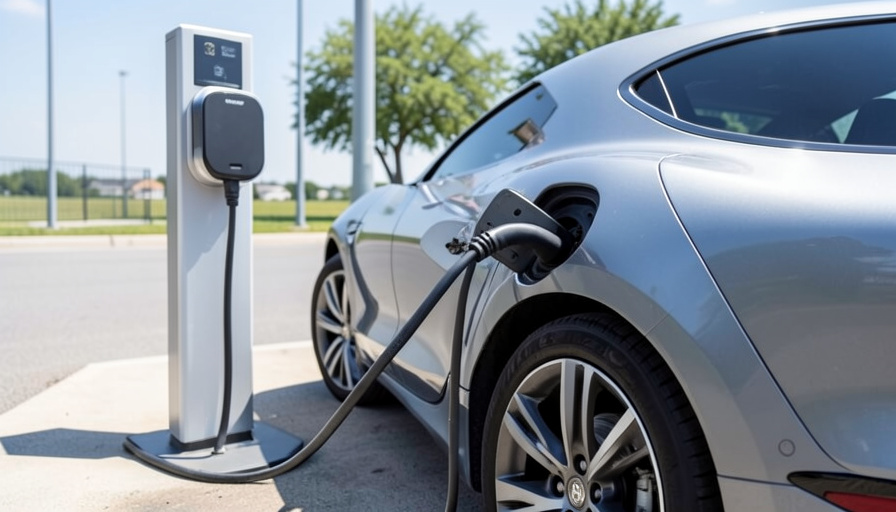
You pull up to a Supercharger with your non-Tesla EV, plug in the adapter you bought online, and instead of watts you get “unable to start charging.” You try again. Same error. The problem usually is not your car, and buying a second cheap adapter often just repeats it.
As more EVs move onto the NACS connector and gain access to Tesla’s Superchargers, the adapter that bridges the gap has become a common failure point. Charge-session errors are frequently down to the adapter itself, the wrong type of adapter, or the station, not a broken car. Here are the alternatives that actually solve it, roughly in the order worth trying, plus the quick fixes to attempt before you give up on a stall.
At a glance
Most NACS adapter charging errors come from three things: a cheap or wrong-type adapter, a bad physical connection at the handshake, or a fussy older Supercharger. The most reliable alternative is your car maker’s own approved adapter rather than a generic one, since it is validated to speak the right protocol. Make sure it is a DC adapter for Superchargers, not an AC-only one. When an adapter keeps failing, the cleanest alternative is skipping it entirely: charge on a native CCS network with your car’s own port. A newer V4 stall and a software update fix many of the rest.
Table of Contents
First, why the errors happen
Knowing the cause tells you which alternative to reach for. Charge-session failures usually occur during the initial handshake, when the car and charger negotiate over the small pilot pins, and a poor or loose connection there is a frequent culprit. Adapter quality matters, which is why native Tesla cars rarely see this. Two bigger traps: an AC-only adapter physically cannot start a DC Supercharger session, and some older V3 Supercharger sites are simply flakier with certain non-Tesla cars. Match the fix to the cause and you stop guessing.
Alternative 1: Use your car maker’s approved adapter
This is the single most effective swap. A generic adapter off a marketplace may fit the plug but fail to negotiate the handshake your specific car and the Supercharger expect. Adapters supplied or approved by your automaker, such as the official ones from Tesla, Ford, GM, or Rivian for their vehicles, are validated to work with that exact combination. If you have been fighting a third-party unit, borrowing or buying the OEM adapter for your car is the first thing to try, and it resolves a large share of these errors on its own. Tesla even publishes a guide to its official adapters.
Alternative 2: Confirm it is a DC adapter, not AC-only
Here is the mistake that produces a “no session at all” error. Many inexpensive NACS adapters are built for AC Level 2 charging only, and by design they will not start a session at a DC fast charger like a Supercharger. If your adapter works fine on a slower street or home charger but dies at every Supercharger, this is very likely why. The alternative is not a fix but a different product: you need a DC-capable adapter rated for fast charging. Check the specification before assuming the adapter is defective, because an AC unit at a DC stall is a guaranteed failure.
Alternative 3: Skip the adapter with a native CCS network
When the adapter keeps fighting you, the calmest alternative is to stop using one. Your non-Tesla EV still has its own CCS port, which plugs directly into the big public networks with no adapter and no Tesla handshake to negotiate. Charging at Electrify America, EVgo, or ChargePoint sidesteps the whole adapter problem for that session. It is worth keeping one or two of these apps set up as a reliable fallback, so a bad Supercharger experience never leaves you stranded waiting on a plug that will not talk.
Alternative 4: Try a V4 stall or a different site
Not all Superchargers behave the same for non-Tesla cars. Newer V4 stalls have longer cables and generally handle adapter-using vehicles more gracefully than the older V3 hardware, where many of the handshake complaints cluster. If one stall throws an error, move to another at the same site, and if a whole site is giving you trouble, a different, newer location may just work. The stall, not your setup, is sometimes the entire problem, so treating stations as swappable saves a lot of frustration.
Alternative 5: Fix the software side
Two software steps clear a surprising number of errors. First, keep your car’s software updated, since automakers push fixes for charging handshakes over the air, and an out-of-date vehicle can fail where a current one succeeds. Second, start the session the way the network expects: many non-Tesla cars need you to begin charging through the Tesla app’s “Charge Your Non-Tesla” flow or your automaker’s own app, rather than just plugging in and waiting. Using the right app is sometimes the difference between an error and a smooth start.

Quick physical fixes before you give up
Before writing off a stall, run through the fast checks:
- Reseat everything: fully insert and lock the Supercharger plug into the adapter and the adapter into the car.
- Apply gentle, steady upward and inward pressure on the cable handle until the session starts, which helps the pilot pins connect.
- Wipe visible dirt off the adapter’s pins and the connector.
- Cancel and restart the session once in the app rather than retrying the same stuck attempt.
These take seconds and often coax through a session that a loose handshake was blocking.
This article is general information, not professional or safety advice. Always follow your vehicle and charger manufacturer’s instructions, and use only adapters approved for your car and charging type.
Frequently asked questions
Why does my NACS adapter keep giving charge errors?
Usually a cheap or wrong-type adapter, a loose handshake connection, or an older Supercharger stall. AC-only adapters cannot start DC Supercharger sessions at all. An automaker-approved adapter, a firm connection, and a newer stall resolve most cases.
Are OEM adapters better than third-party ones?
For reliability, generally yes. Adapters approved by your car maker are validated to negotiate the correct handshake for your specific vehicle and charger, while generic units may fit physically but fail electronically. Some networks also restrict unapproved adapters.
Can I charge without a NACS adapter?
Yes. Your non-Tesla EV keeps its native CCS port, which works directly on networks like Electrify America, EVgo, and ChargePoint with no adapter. Keeping one of those apps ready is a solid fallback when an adapter session fails.
Why does the adapter work at home but not at a Supercharger?
You likely have an AC-only Level 2 adapter, which by design cannot start a DC fast-charging session. Superchargers need a DC-capable adapter rated for fast charging, so check the adapter’s specification.
Do older Superchargers cause more adapter problems?
Often. Many handshake complaints cluster at older V3 stalls, while newer V4 hardware tends to handle adapter-using cars better. If one stall errors, try another or a newer site before assuming your gear is faulty.
The bottom line
A NACS adapter that keeps erroring is rarely a broken car and rarely fixed by buying another bargain adapter. Move to your automaker’s approved unit, confirm it is DC-capable for Superchargers, and keep a native CCS network app as a no-adapter fallback. Add a software update, a newer stall, and a firm reseat, and the errors mostly disappear. For more on the cost and ownership side of driving electric, see our guide to how tariffs affect car prices, and browse The Other Stream’s Autos section.
Related Posts