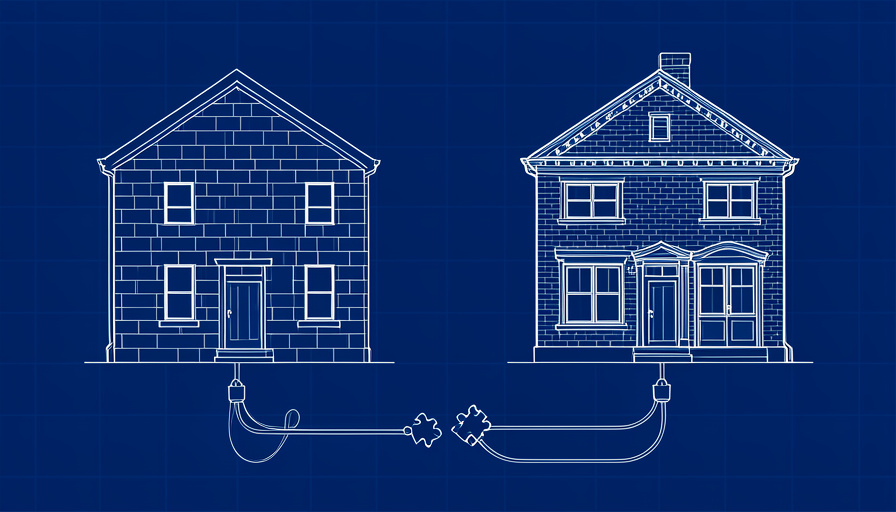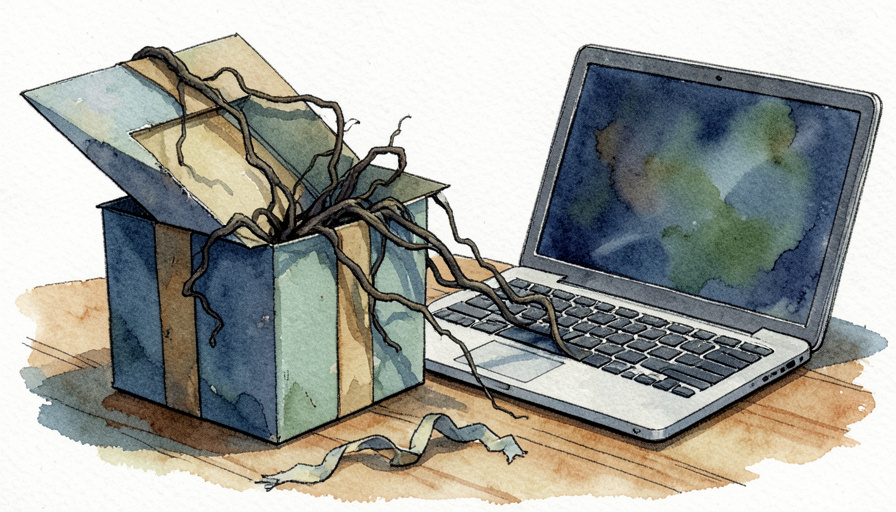
Why pirated premium themes and plugins are such a reliable way to get a WordPress site hacked, the warning signs a non-technical owner can spot, and how to clean up if you find them.
The premium theme costs $59 and the “free” copy is one search away. It installs, the demo imports, and the site looks exactly like the preview. Weeks later, an admin account you do not recognize appears, or a customer mentions a strange “verify you are human” box that you never see when you are logged in. If you have ever asked whether nulled WordPress themes are safe, those are the moments that answer it. The theme works. It also does something else.
Short Answer
Nulled WordPress themes are not safe. A nulled theme is a premium theme with its licensing removed by someone you cannot identify, and security firms regularly find backdoors in these copies that create hidden admin accounts, disable security plugins and reinstall themselves after cleanup. Even a clean copy never gets security updates. Buy the license or use a free theme from a trusted source.
Table of Contents
Why nulled WordPress themes are such a common malware source
A nulled theme is a paid theme or plugin with its license check stripped out, then shared on download sites and forums. Many premium themes are released under the GPL, which is why some resellers operate openly. The license is not the real problem. The problem is that you are installing PHP files that an unknown person edited, and PHP running inside WordPress can do anything your admin account can.
Supply is huge. In November 2025, a developer who analyzed more than 100 piracy and nulled sites reported on Reddit that 72% of premium WordPress themes they checked had at least one leaked version, often resold for $3 to $10.
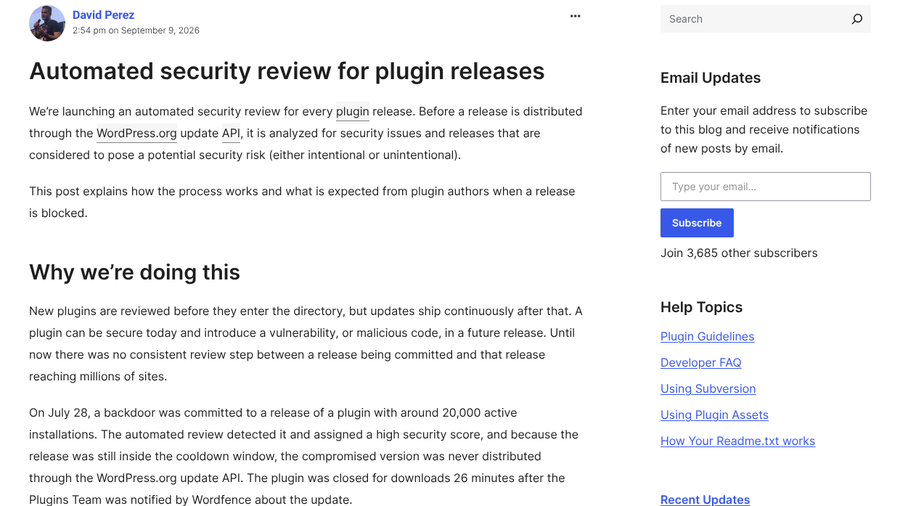
The official channels have also moved in the opposite direction. Since June 5, 2026, every plugin and theme release distributed through WordPress.org waits in a six-hour cooldown while several AI models and Jetpack Scan review the changes. As of WordPress.org’s September 2026 announcement, high-risk releases are blocked automatically. The review has already stopped a backdoor committed to a plugin with around 20,000 active installations in July. A nulled copy from a download site goes through none of that.
What the malware in a nulled theme does
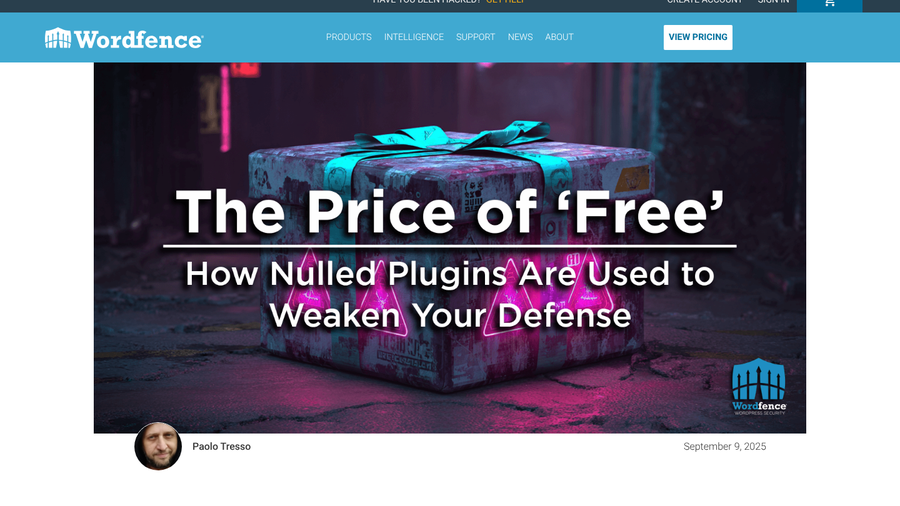
The clearest recent example comes from Wordfence. In September 2025, its threat intelligence team described a campaign built on nulled premium plugins. The infected copies were “suspiciously outdated” versions of two major premium plugins. Their hidden code ran on every page load and stayed dormant until a specific URL request woke it up. Once triggered, it disabled Wordfence by renaming its plugin folder, created a new administrator or promoted an existing user, and could switch the security plugin back on later so nothing looked wrong.
The same pattern applies to themes, since a theme’s functions.php runs on every page too. The goal is rarely to break your site. It is to keep quiet access for as long as possible, then use your site for spam pages, redirects or malware aimed at your visitors.
8 warning signs a nulled theme left a backdoor
1. An administrator you did not create
Open Users and filter by Administrator. Rogue admins are a favorite way for attackers to keep access. In August 2026, a site owner on Reddit found a user named “tester” they had never created, alongside other signs of infection.
2. Your security plugin was switched off or reinstalled itself
If Wordfence, Sucuri or another security plugin was deactivated without your action, or its folder name changed, treat it as a red flag. The 2025 campaign disabled security plugins first so the rest of the attack would go unnoticed.
3. Theme details that do not match the vendor
Compare the theme’s folder name, displayed name and version with what the vendor lists today. Wordfence’s samples had altered folder names and text domains and were older than the current releases.
4. Scrambled code in theme files
Open functions.php or header.php in your host’s file manager. Long unreadable strings, heavy use of base64 or eval, or text assembled from hex and octal codes rarely belong in a legitimate theme. Wordfence found this kind of layered obfuscation hiding the payload.

5. Plugins and must-use plugins you never installed
Check wp-content/mu-plugins. Must-use plugins load automatically and sit on a separate Must-Use tab of the Plugins screen that many owners never open. In September 2026, a cleanup team on Reddit described fake must-use plugins with names built to sound like caching, REST API or security tools.
6. Spam pages or code injected into your templates
The August 2026 site owner found random HTML files full of gambling content in core and plugin folders and an unfamiliar tracking script added to header.php and footer.php. A site: search on Google for your domain can reveal spam pages you never published.
7. Visitors see things you do not
Many infections hide from logged-in admins. The September 2026 case showed visitors a fake Cloudflare “Verify you are human” overlay that tried to get them to paste a command into their computer. Check your site in a private window on your phone, and take any strange report from a customer seriously.
8. Malware that comes back after you delete it
If files reappear within a day, part of the infection lives somewhere else. That same team found the payload stored in the database and restore code in wp-config.php and object-cache.php, plus hourly scheduled tasks that rewrote the files. A commenter added that attackers can also keep access through application passwords, which survive a password reset.
How to check a theme you already installed
- Run a malware scan. Wordfence and Sucuri both offer free scanners. Wordfence says free users get new malware signatures after a 30-day delay, so a clean scan is a good sign, not proof.
- Compare against an official copy. Download the same version from the vendor after buying a license, and compare the files. Any extra file or changed line is suspect.
- Review users and application passwords. Remove administrators you do not recognize, then check each admin’s profile for application passwords you did not create.
- Check core files. If you or your developer can use WP-CLI, the command
wp core verify-checksumsflags modified WordPress core files.
What to do if you find a backdoor
Replace the nulled theme or plugin with a licensed copy from the vendor, then delete the old one entirely. Deactivating it is not enough, and our look at whether inactive plugins still raise your hack risk explains why unused code on the server still matters. Change every password, including hosting, database and FTP, and rotate the security keys in wp-config.php. Restoring a backup helps only if it predates the nulled install, because a later backup brings the backdoor back with it.
If the infection keeps returning, bring in a professional cleanup service. Self-healing malware that lives in the database is hard to remove by hand, and the cleanup team in that Reddit case warned that some command-line actions can trigger reinfection. When you rebuild, pick a theme you can keep updated. Our comparison of block and classic themes can help you choose one that fits your plugins.
What To Know
- Nulled themes are premium themes altered by unknown people, and security firms keep finding backdoors in them.
- The 2025 Wordfence case disabled security plugins, created rogue admins and hid its code behind obfuscation.
- WordPress.org now reviews every plugin and theme release with AI tools before it ships, while nulled copies skip every check.
- Unknown admins, switched-off security plugins and files that return after deletion are the clearest warning signs.
Frequently Asked Questions
Are nulled WordPress themes safe to use?
Nulled WordPress themes are not safe to use. You cannot verify what an unknown person changed in the code, backdoors are common, and nulled copies do not receive the security updates that fix known vulnerabilities.
Can a security plugin detect malware in a nulled theme?
A security plugin such as Wordfence or Sucuri can detect many known backdoors, but not all of them. Some nulled plugins disable security tools first, and free scanners may get new signatures later than paid ones.
Are GPL themes from reseller sites the same as nulled themes?
GPL reseller copies are legal to distribute in many cases, but they carry the same trust problem as nulled themes. You are relying on a third party not to have altered the files, and you usually cannot get official updates or support.
What should I do if I already installed a nulled theme?
Buy a licensed copy, replace the nulled theme and delete it. Then scan the site, remove unknown admins and application passwords, and change every password. If malware keeps returning, hire a professional cleanup service.
Is it safe to use a nulled theme on a test or staging site?
A nulled theme on a staging site is still risky if that site shares a hosting account with your live site. Malware on one site can spread to others on the same account.
Final Takeaway
A nulled theme saves you the price of a license and hands a stranger a key to your site. If you are already running one, check your admin users and security plugin status today, replace the theme with a licensed copy and delete the old files. If you are about to install one, spend the money on the real theme or pick a well-reviewed free theme from WordPress.org, where every update is now reviewed before it reaches you.
Related Posts