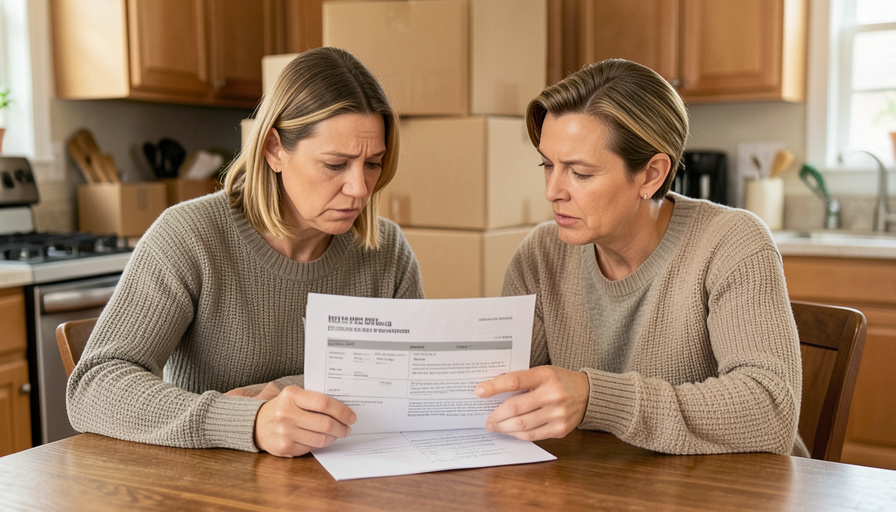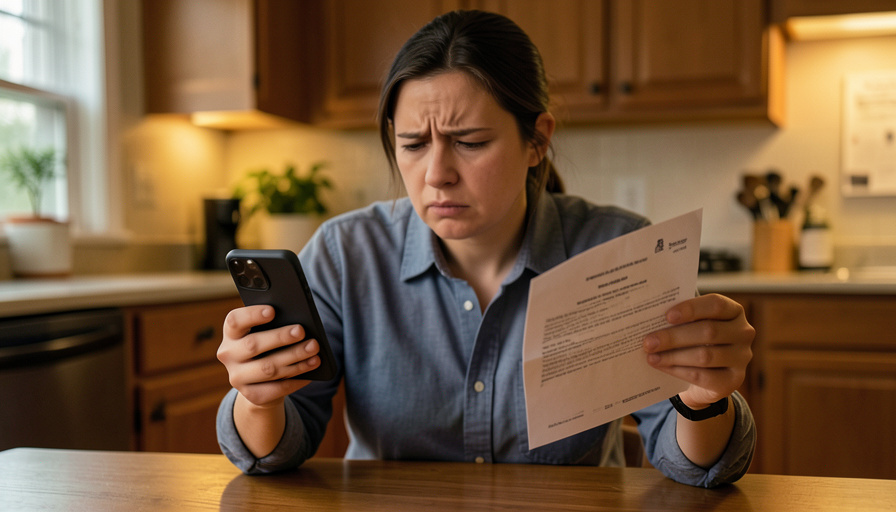
You go into a subscription’s settings, find the “pause” button, tap it, and feel like you have done the responsible thing. Then next month the charge lands anyway. Pause is one of the most quietly deceptive words in subscription billing, because it sounds like stop but often means “keep paying, just a little differently.” The gap between what pause seems to promise and what it actually does is where your money leaks.
These pause screens are usually designed, not accidental: the goal is to keep you subscribed while feeling like you took action. Here are nine ways a “pause” keeps charging you, and, at the end, how to make the money actually stop.
What to know
A subscription pause frequently does not stop your billing. It may only skip a single cycle, resume automatically on a hidden date, quietly downgrade you to a cheaper plan you still pay for, or keep charging add-ons, annual fees, or the base plan anyway. Some pauses reactivate the next time you log in, and some are buried behind a maze designed to make you give up. If you actually want the charges to end, cancel outright rather than pause, get confirmation in writing, and manage it through your app store or a virtual card you can switch off. When in doubt, cancel, do not pause.
Table of Contents
1. The pause that only skips one cycle
You expect pause to mean “until I say otherwise,” but many only skip the next billing period. You delay one month, forget about it, and the subscription quietly starts charging again the month after. The wording often hides this, offering to “skip this month” while looking like a full stop. If a pause does not clearly say it lasts until you manually resume, assume it is a one-cycle delay and that billing returns on its own.
2. The pause with a hidden auto-resume date
Some pause screens quietly set an end date, “paused until March,” and then restart billing on that day with no second prompt. You never actively chose to resume; the clock did it for you. Because the resume happens silently weeks later, you rarely connect the returning charge to the pause you set. Always look for the date a pause ends, and put a reminder in your own calendar a few days before it, because the service is counting on you forgetting.
3. The ‘pause’ that is really a downgrade
Tap pause and some services instead move you to a cheaper plan, so you are still paying, just less. It feels like you stopped, but a smaller charge keeps recurring indefinitely. This is common where the company would rather keep any revenue than lose you entirely. If the pause flow starts talking about a “reduced plan” or a lower price rather than zero, you are being downgraded, not paused, and the meter is still running.
4. The base plan pauses but the add-ons keep billing
You pause the main subscription and assume everything stopped, but extras attached to it, premium channels, storage tiers, an included partner service, keep charging separately. Bundled add-ons often live on their own billing line that a pause on the core plan does not touch. Check whether your subscription has any add-ons and pause or cancel each one individually, because stopping the headline plan does not automatically stop everything riding on top of it.
5. The annual plan that cannot really pause
On a yearly subscription, pause is often meaningless for your wallet. You have already paid for the year, or the annual renewal will process regardless of a pause that only affects access. Some services let you “pause” an annual plan by extending the end date rather than refunding anything, so no money comes back and the next renewal still hits. With annual billing, the thing to manage is the renewal date and auto-renew setting, not a pause button that changes nothing about the charge.
6. The free-trial ‘pause’ that still converts to paid
During a trial, a pause can be a trap. Pausing may not stop the trial from converting to a paid subscription at the end, so you get billed anyway, sometimes after the pause made you feel safe enough to stop paying attention. Trials are engineered to convert, and a pause rarely interrupts that. If you are in a trial and do not want to pay, cancel it outright before the deadline rather than trusting a pause to hold the charge.
7. The pause that reactivates when you log back in
Some pauses quietly end the moment you re-engage, reopening the app, logging in on a new device, or updating the software can flip billing back on. The system treats your return as a signal to resume, without clearly telling you. This one is insidious because using the service even once can restart the charges you thought you had frozen. If you pause, treat any prompt to “welcome back” or reactivate with suspicion, and re-check your billing status after logging in.

8. The pause buried behind a retention maze
Sometimes the trick is making pausing or canceling so tedious that you give up. You click pause and get funneled through offers, surveys, “are you sure” screens, and confirmations designed to wear you down, and if you abandon the flow partway, nothing changes and you stay billed. These retention mazes are a deliberate dark pattern. Push all the way through to a clear confirmation, and do not assume anything happened until you see explicit written proof that it did.
9. The pause that stops the service but not the payment
The worst version: your access is suspended, but the recurring charge keeps going. You lose the thing you were paying for while still paying for it, usually because the pause affected the service state without touching the billing subscription. This mismatch is a strong sign to stop trusting the pause entirely. If you are paying for something you cannot even use, cancel the payment side directly and dispute any charges that landed after your access ended.
How to actually make the charges stop
When you truly want the money to end, cancel, do not pause, and confirm it. Get a cancellation confirmation in writing, by email or a screenshot, and keep it. If you subscribed through Apple’s App Store or Google Play, cancel from that account’s subscription manager, since those reliably end billing regardless of what the app’s own screens say. A virtual or disposable card number that you can switch off is a strong backstop, letting you cut a merchant’s access if a “pause” fails to hold. Watch your statements for a cycle or two afterward, and dispute any charge that lands after you cancelled. One legal note worth knowing: a federal “click to cancel” rule that would have forced easy cancellation was struck down in court in 2025, so cancelling is still often harder than subscribing, and the burden is on you. You can report unfair subscription practices to the FTC at reportfraud.ftc.gov. For a related consumer trap worth spotting, see our guide on moving quote tricks that inflate your bill.
This article is general consumer information, not legal or financial advice. Subscription terms and your cancellation rights vary by service and location, so read the specific terms and, for a disputed charge, contact the company and your bank or card issuer.
Frequently asked questions
Why am I still being charged after pausing a subscription?
Because many pauses do not stop billing. A pause may only skip one cycle, auto-resume on a hidden date, downgrade you to a cheaper paid plan, or leave add-ons and annual charges running. If you want the money to stop, cancel outright rather than pause, and confirm the cancellation in writing.
Is pausing a subscription the same as cancelling?
No. Cancelling ends the subscription and its billing; pausing usually just delays or reduces it while keeping you as a customer. Pauses often resume automatically. If your goal is to stop paying entirely, cancel rather than pause, since pause is designed to keep you subscribed.
How do I make sure a cancellation actually worked?
Get written confirmation, an email or screenshot, and keep it. If you subscribed through the Apple App Store or Google Play, cancel from that account’s subscription settings, which reliably stops billing. Then watch your statements for a cycle or two and dispute any charge that appears after you cancelled.
Can I use a virtual card to stop a subscription charge?
Yes, and it is a useful backstop. A virtual or disposable card number you can switch off lets you cut a merchant’s ability to charge you if a pause or cancellation does not hold. It is not a substitute for cancelling properly, but it gives you a hard stop when a company makes leaving difficult.
Does the law require easy subscription cancellation?
Not as strongly as it nearly did. A federal “click to cancel” rule that would have required simple cancellation was struck down in court in 2025. Some state laws and existing rules still apply, and regulators pursue deceptive practices, but in practice cancelling is often harder than subscribing, so the burden is on you.
The bottom line
Pause sounds like stop, but on a subscription it often means keep paying. Whether it skips one cycle, resumes on a hidden date, downgrades you, or keeps billing add-ons, the effect is the same money leaving your account for something you meant to switch off. When you want it to end, cancel outright, confirm it in writing, manage it through your app store, and keep a virtual card as a backstop. For more on protecting your money day to day, browse The Other Stream’s Family & Personal section.
Related Posts