You dig out a CD you bought two decades ago, drop it in your laptop, and nothing happens. The disc is fine. Your drive is fine. The problem is a piece of copy protection that has quietly outlived its purpose, and is now blocking the exact thing you are legally allowed to do: listen to music you own.
People have started calling it “listening protection,” a bitter joke about copy protection that no longer stops piracy but does stop you from playing your own discs. The complaint is real, and it traces back to a specific era of the music industry when labels deliberately broke their own CDs to fight ripping. Those broken discs did not age well, and modern computers handle them worse than the players of the time did.
Short Answer
Some CDs sold in the early-to-mid 2000s used copy-protection schemes like Cactus Data Shield and Copy Control that deliberately corrupted the disc’s data and added fake session information to stop PCs from ripping the music. As a side effect, these discs do not conform to the standard CD audio format, so many computer drives cannot read them properly, especially on modern PCs. A traditional CD player’s error correction can often work around the damage, which is why a stereo may still play a disc your laptop rejects. If a copy-protected CD won’t play, your options are a standalone player, a different optical drive, or specialized ripping software.
Table of Contents
What copy protection actually did to these CDs
The methods were surprisingly crude, which is part of why they aged so badly. Schemes like Cactus Data Shield worked by deliberately corrupting the error-correction data on the disc and adding extra session information that hid the audio tracks from computer drives, as documented in coverage of Copy Control. The goal was to make the disc unreadable to a PC while still playable on a home stereo. To pull that off, the labels had to make discs that no longer met the official CD audio specification, the “Red Book” standard, which is why many of these releases could not legally carry the Compact Disc logo.
Put plainly: the industry shipped intentionally defective CDs and hoped the defects would only inconvenience pirates. That is not how it worked out.
Why a stereo plays them but your PC won’t
This is the detail that confuses people, so it is worth unpacking.
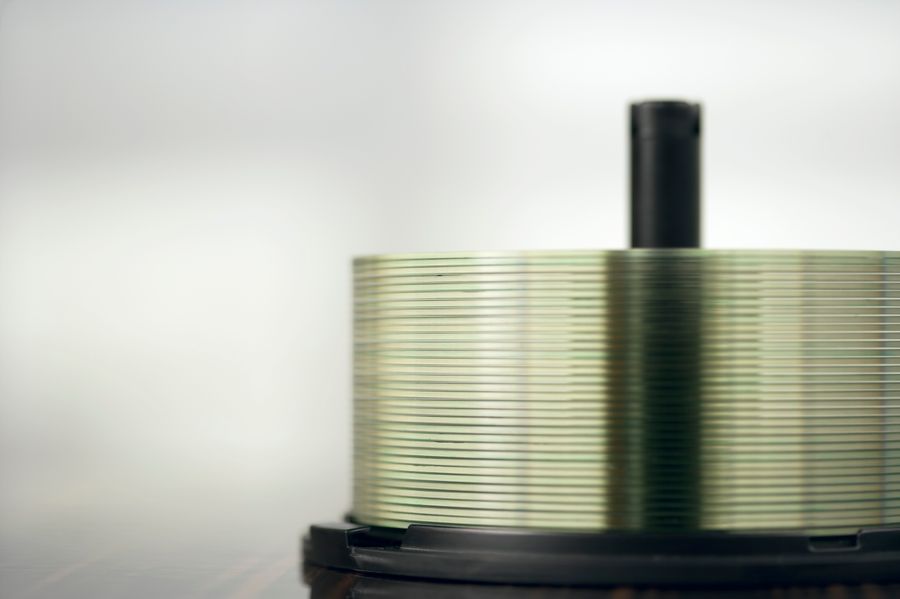
A regular CD player is built to smooth over minor damage on the fly. Its error-correction system fills in small gaps and keeps the music going, which is exactly what it does with the deliberate corruption on a copy-protected disc. A computer’s optical drive works differently: it tries to read the data precisely and follows the disc’s session information, which the protection scheme has poisoned to point the drive away from the audio tracks. So the same corruption a stereo shrugs off can stop a PC drive from finding or reading the music at all. Modern computers make this worse, since many no longer have optical drives, and the ones that do are less forgiving than the players those discs were designed to fool.
Which CDs are affected
The problem is concentrated in a specific window. Copy-protected audio CDs were most common from roughly 2001 to 2006, before the industry largely gave up on the approach. The schemes to watch for include Cactus Data Shield, the broad “Copy Control” branding used by some labels, and SunnComm MediaMax. The most infamous case was Sony BMG’s system that installed hidden software on Windows PCs, which became a security scandal. If you have discs from that era, especially European or major-label pop releases, they are the likeliest to misbehave in a computer.

What you can do if a CD won’t play or rip
You are not out of luck, though none of the fixes are elegant:
- Use a standalone CD player or a car stereo, which can usually play what a PC drive rejects.
- Try a different optical drive. Older or external drives sometimes read protected discs that a newer one will not.
- Use specialized ripping software designed to handle damaged or protected discs, which can often extract the audio despite the corruption.
- Check whether you can re-download the album through a service tied to your purchase, or simply buy a clean digital copy.
The bigger lesson about DRM on things you own
Step back and this is a cautionary tale about digital rights management on media you paid for outright. The copy protection failed at its actual job, casual copying moved on to file sharing and later streaming, but it succeeded at inconveniencing legitimate owners for decades afterward. The same pattern shows up with disc-based game DRM that later operating systems refused to run, and with digital purchases that vanish when a store shuts down. The through-line is simple: when protection is bolted onto something you own, you inherit its failures. A copy-protected CD is just the oldest, most physical reminder of that.
What To Know
- Copy-protected CDs from about 2001 to 2006 deliberately corrupted data to block PC ripping.
- Those discs do not meet the standard CD audio format, so many computer drives cannot read them.
- Home CD players use error correction to play them, while PC drives often cannot.
- Common schemes include Cactus Data Shield, Copy Control, and SunnComm MediaMax.
- Workarounds include a standalone player, a different drive, or specialized ripping software.
Frequently Asked Questions
Why won’t my old CD play on my computer?
If it is from the early-to-mid 2000s, it may use copy protection that deliberately corrupted the disc’s data to stop PC ripping. That corruption also prevents many computer drives from reading it, even though the disc plays fine in a stereo.
Why does the CD play in my car but not my laptop?
Car and home CD players use error correction that smooths over the deliberate damage on copy-protected discs. Computer optical drives read the data more strictly and follow the disc’s session information, which the protection scheme corrupted, so the PC often cannot find the audio.
Which CDs have this copy-protection problem?
Mostly audio CDs released between roughly 2001 and 2006 using schemes like Cactus Data Shield, Copy Control, or SunnComm MediaMax. Sony BMG’s system, which installed hidden software on Windows, was the most notorious example.
Is it legal to rip a copy-protected CD I own?
Rules vary by country, and copy-protection circumvention laws can complicate personal ripping even of discs you own. This article is general information, so check your local rules, but practically, using a standalone player or buying a clean digital copy avoids the issue entirely.
How can I get the music off a protected CD?
Try a different or older optical drive, use ripping software built to handle damaged discs, or play it on a standalone player and record or re-purchase the album digitally. Success depends heavily on the specific disc and drive combination.
The Bottom Line
A copy-protected CD that won’t play is a small, frustrating monument to a bad idea. The music industry broke its own discs to stop copying, the copying happened anyway, and the only lasting effect is that some owners now struggle to play what they bought. If you hit one, reach for a standalone player before you blame your computer, and treat it as a reminder to keep clean digital copies of anything you actually want to keep. For more on tech and digital media, browse The Other Stream’s Tech section, or our Business coverage on consumer rights.
Related Posts